


Make shared spaces easier to publish, reserve, and manage.
Amenities, calendars, booking rules, approvals, and owner reservations live inside the selected property context.
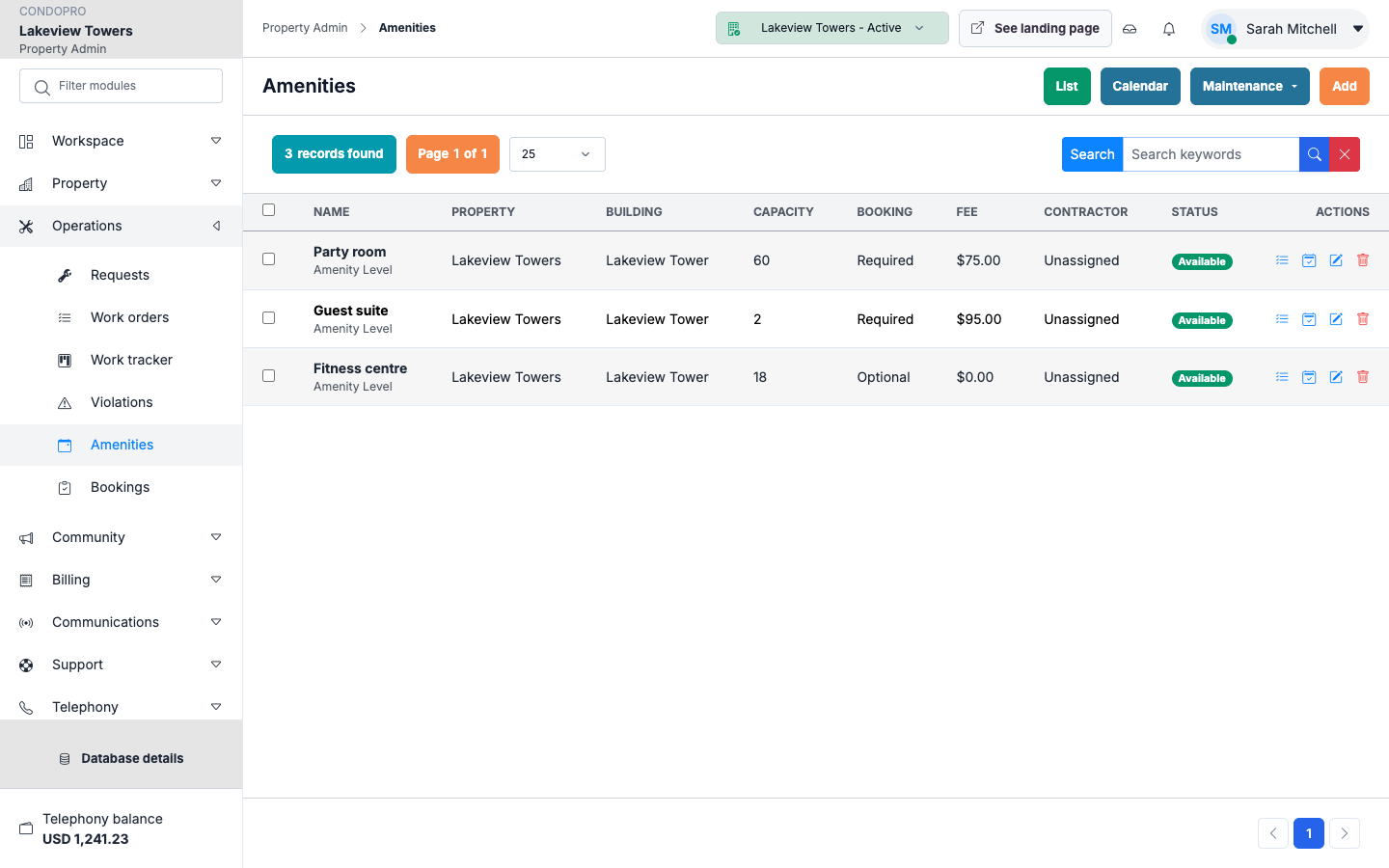
Amenity catalog
Booking calendar
Owner reservations
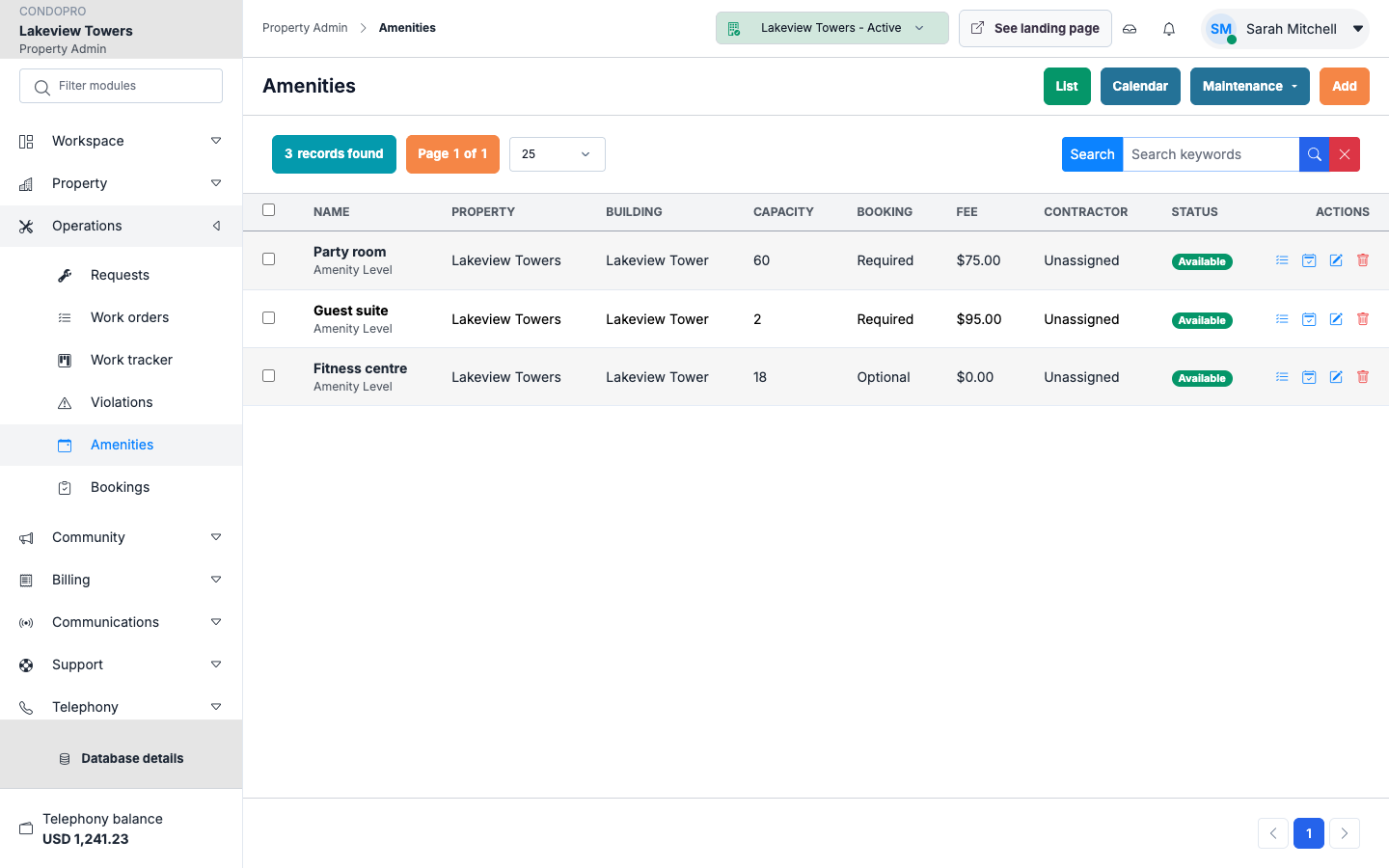
Amenity catalog
Publish common spaces with availability, rules, capacity, and reservation options.
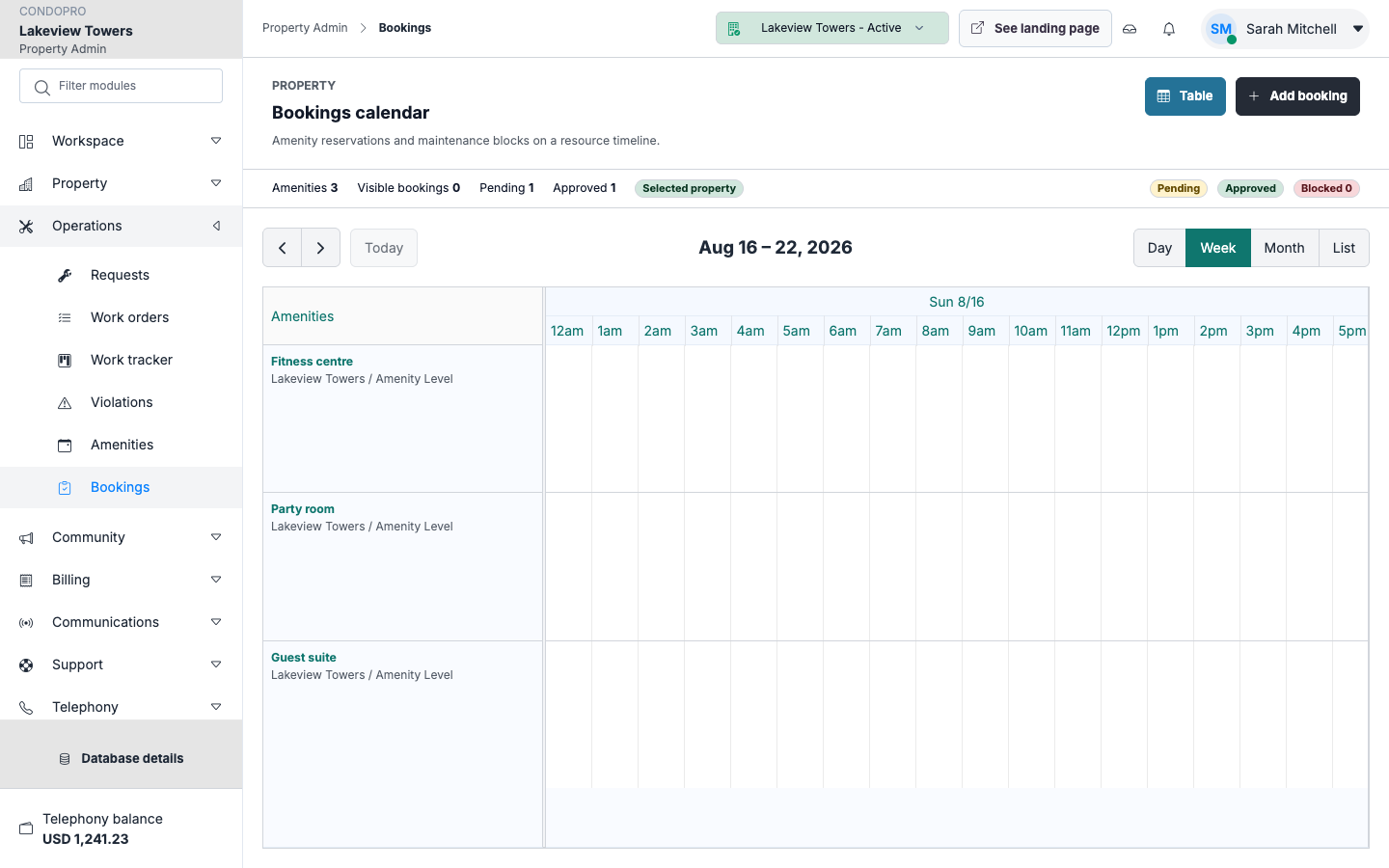
Booking calendar
Review reservations visually and keep the schedule understandable for staff.
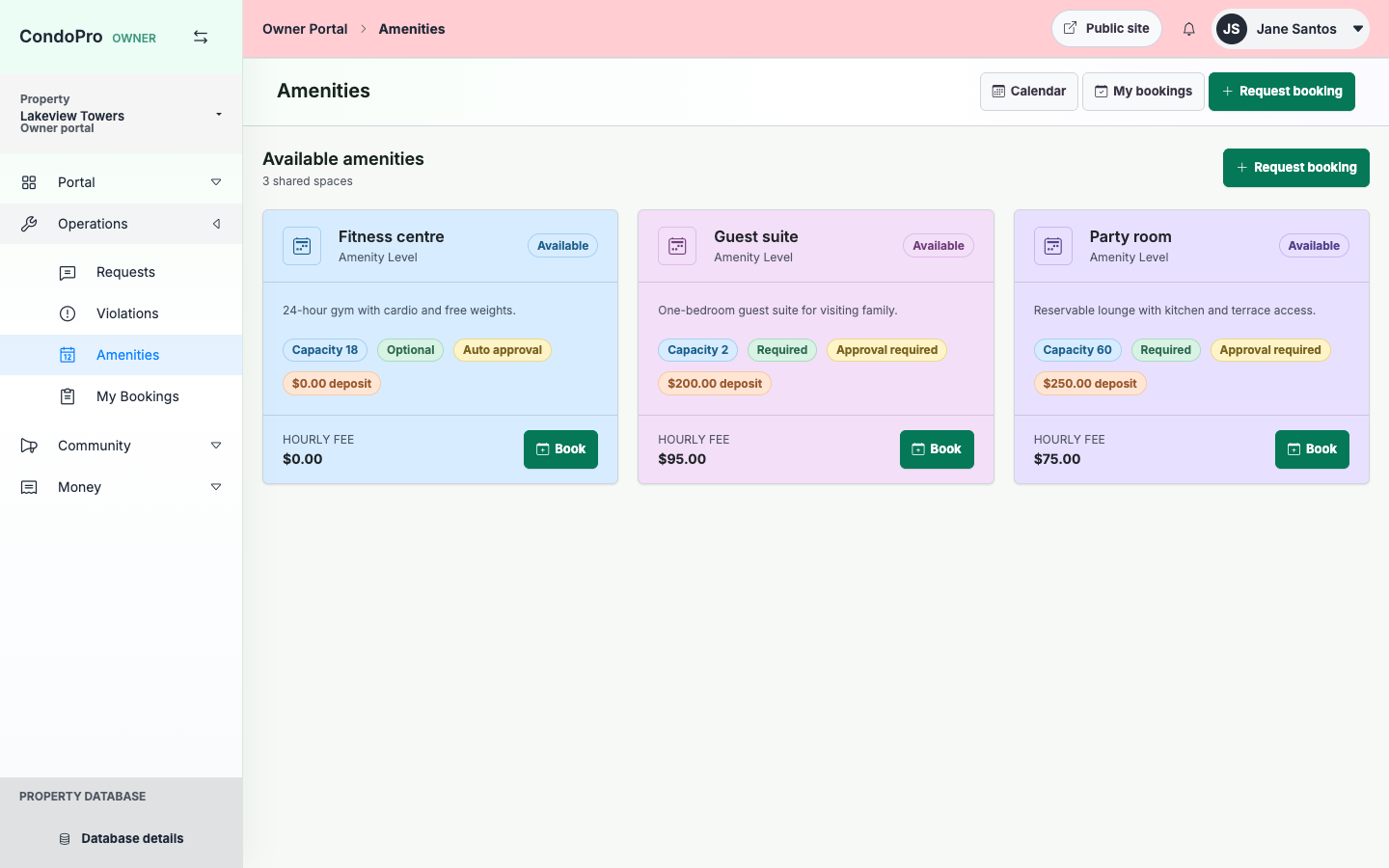
Owner self-service
Owners can browse amenities and request bookings from their portal.
How this module works
- Create the amenity and configure its booking rules.
- Owners submit booking requests from the portal.
- Admins approve, edit, or cancel reservations.
- The property calendar remains the single source of truth.
What is included
- Amenity CRUD
- Booking CRUD
- Calendar view
- Capacity and rule details
- Owner booking flow
- Admin approval workflow
Manager/admin view
Admins manage amenities and bookings with the same data table/form conventions used across admin modules.
Owner/client view
Owners get a clear list and calendar-friendly booking flow without seeing unrelated admin controls.
See Amenities & Bookings in a working property.
The product tour shows the real screens for this workflow, with clear explanations for each step.