


Manage the full property structure from one clean record.
Keep buildings, floors, units, parking, lockers, owners, renters, board members, and core settings connected to the selected property.
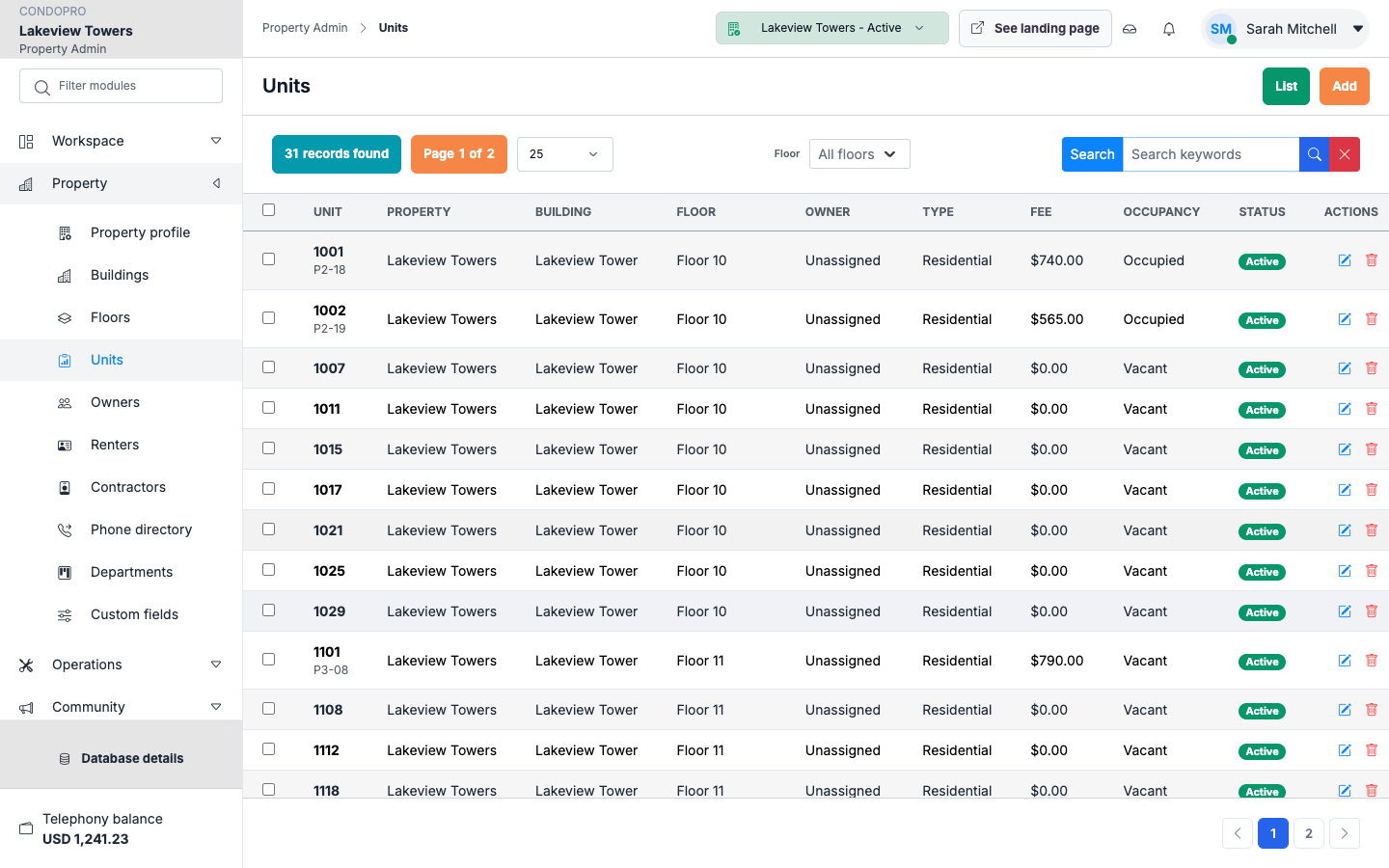
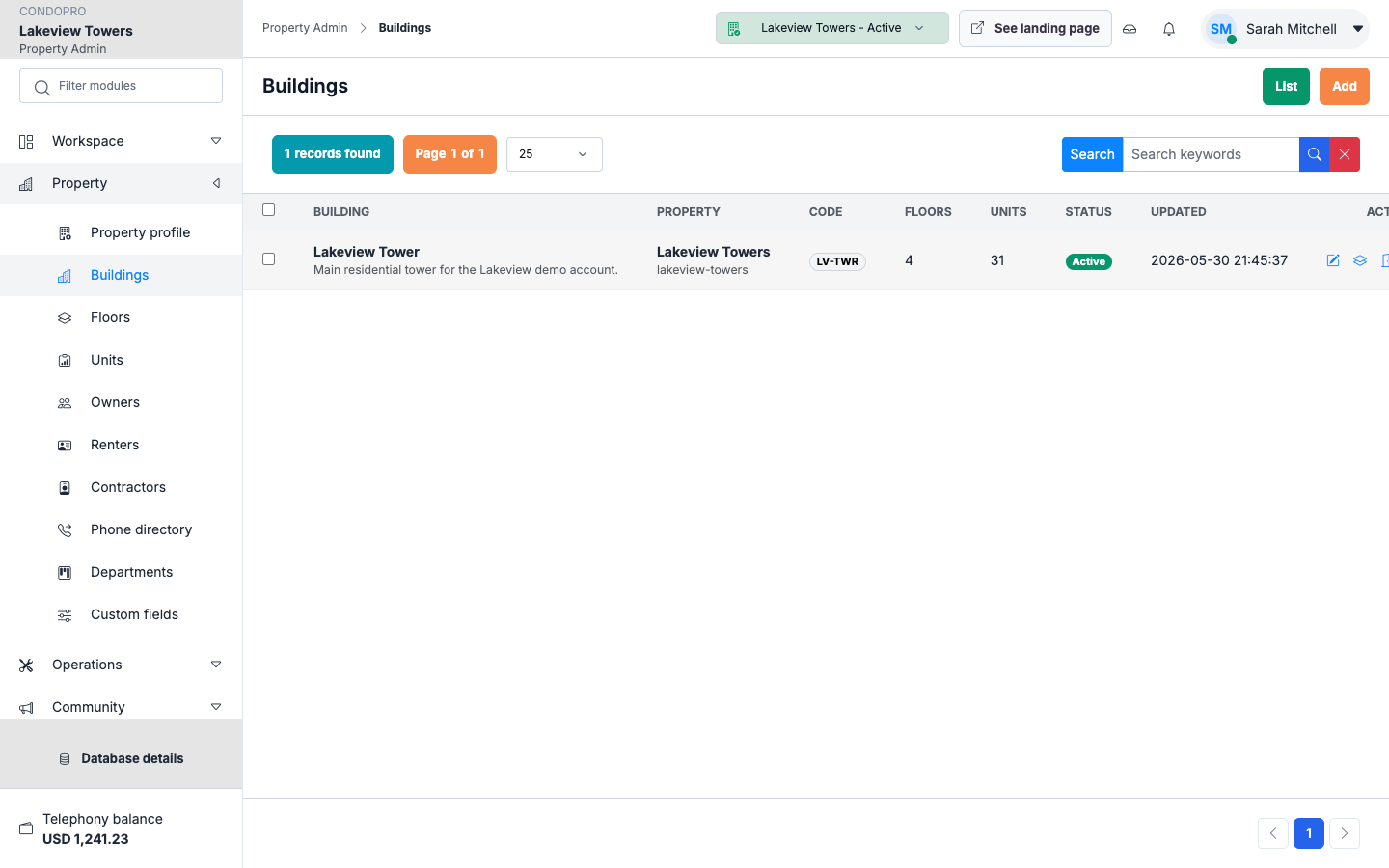
Building records
Store building identity, address, status, portal settings, modules, and operational notes.
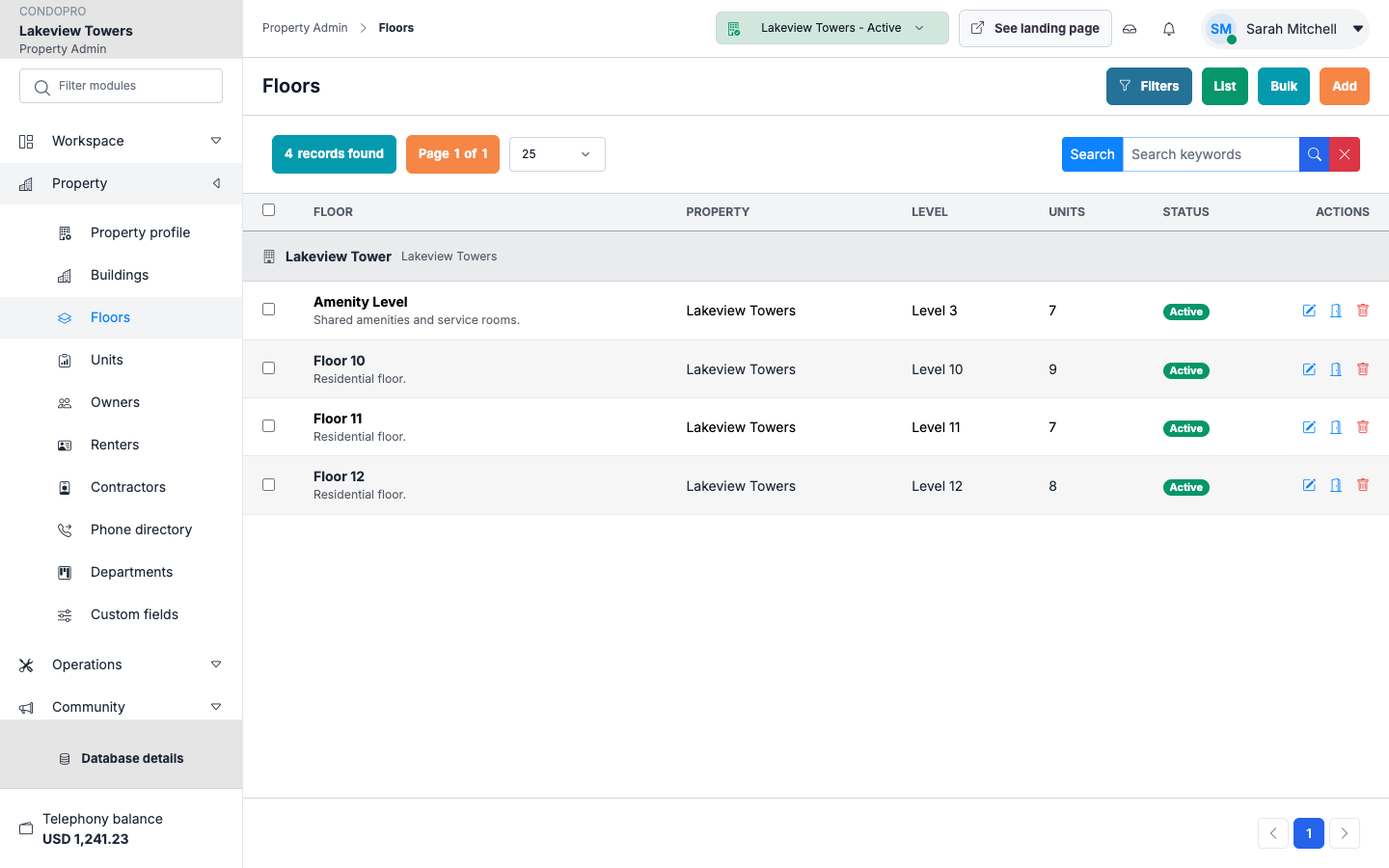
Floors and units
Create units individually or in bulk, then keep occupancy and ownership relationships easy to review.
Property context
Every request, invoice, announcement, document, and booking stays attached to the right property.
How this module works
- Create or import the property structure.
- Add floors, units, parking, lockers, and common spaces.
- Attach owners, renters, staff, board roles, and module settings.
- Use the selected property context across the admin workspace.
What is included
- Property profile and portal settings
- Building, floor, and unit management
- Parking, lockers, and occupancy relationships
- Board member roles, profiles, and resumes
- Module visibility for the owner portal
- Audit-friendly activity trail
Manager/admin view
Admin users manage one selected property at a time through the page header selector, so the interface stays focused and avoids duplicate property lists.
Owner/client view
Owners see only the property-facing information they need: enabled modules, community widgets, announcements, documents, requests, and unit details.
See Property Operations in a working property.
The product tour shows the real screens for this workflow, with clear explanations for each step.