


Give owners a useful portal without exposing internal operations.
The owner portal keeps unit details, requests, announcements, amenities, bookings, surveys, forum content, and profile settings in one role-aware space.
Unit details
Requests and bookings
Profile and security
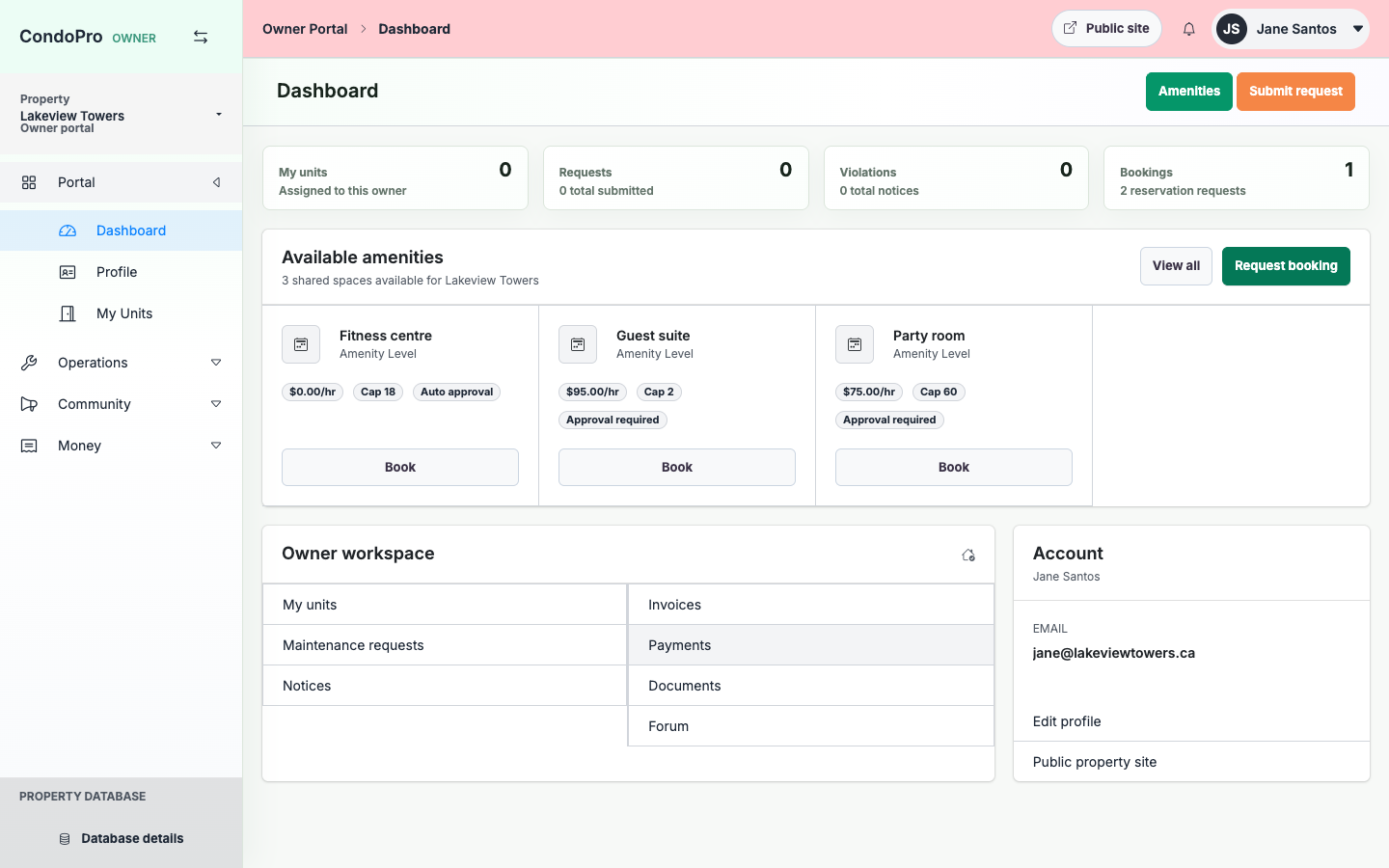
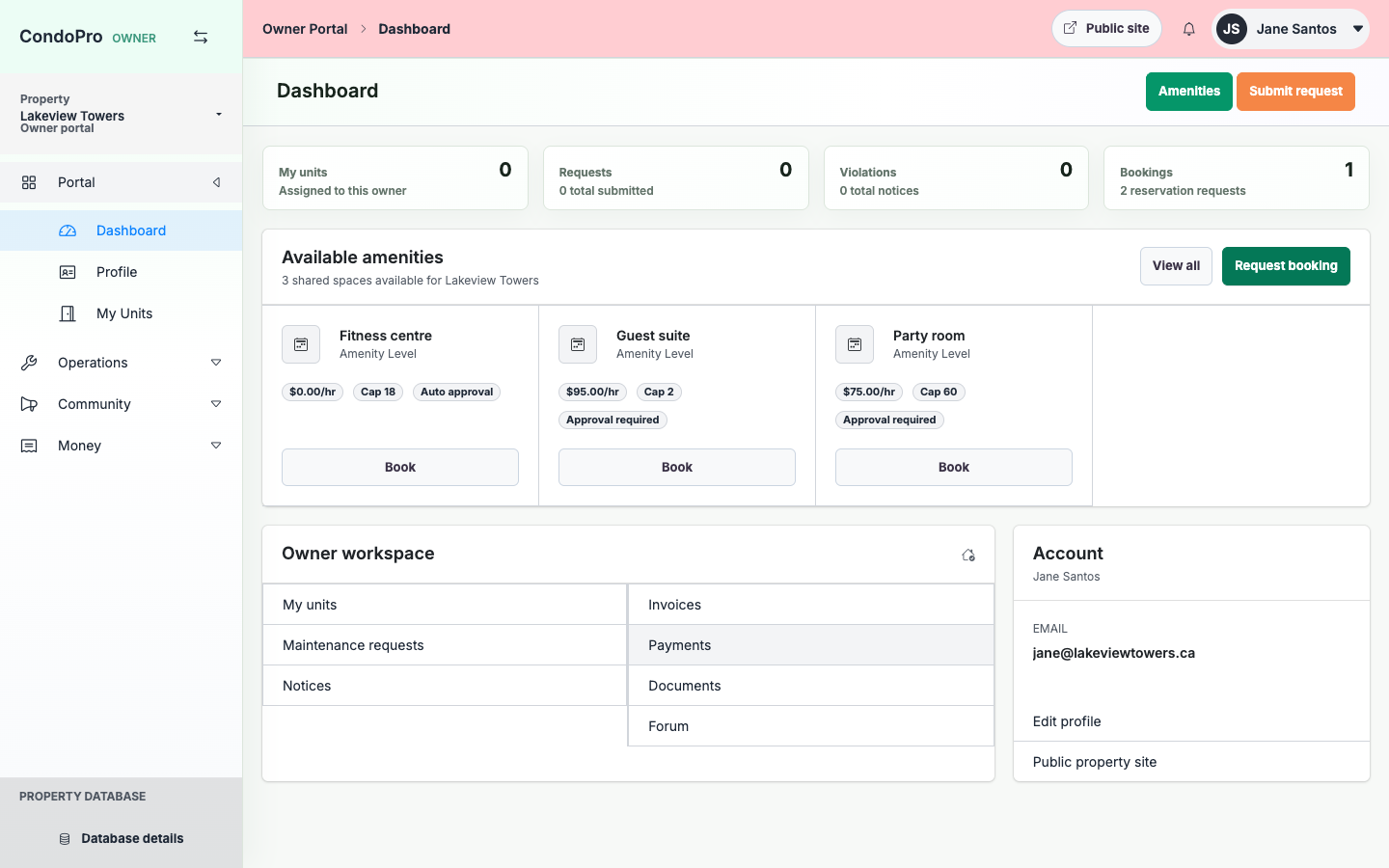
Owner dashboard
Owners start with property widgets and useful lists, not server or database details.
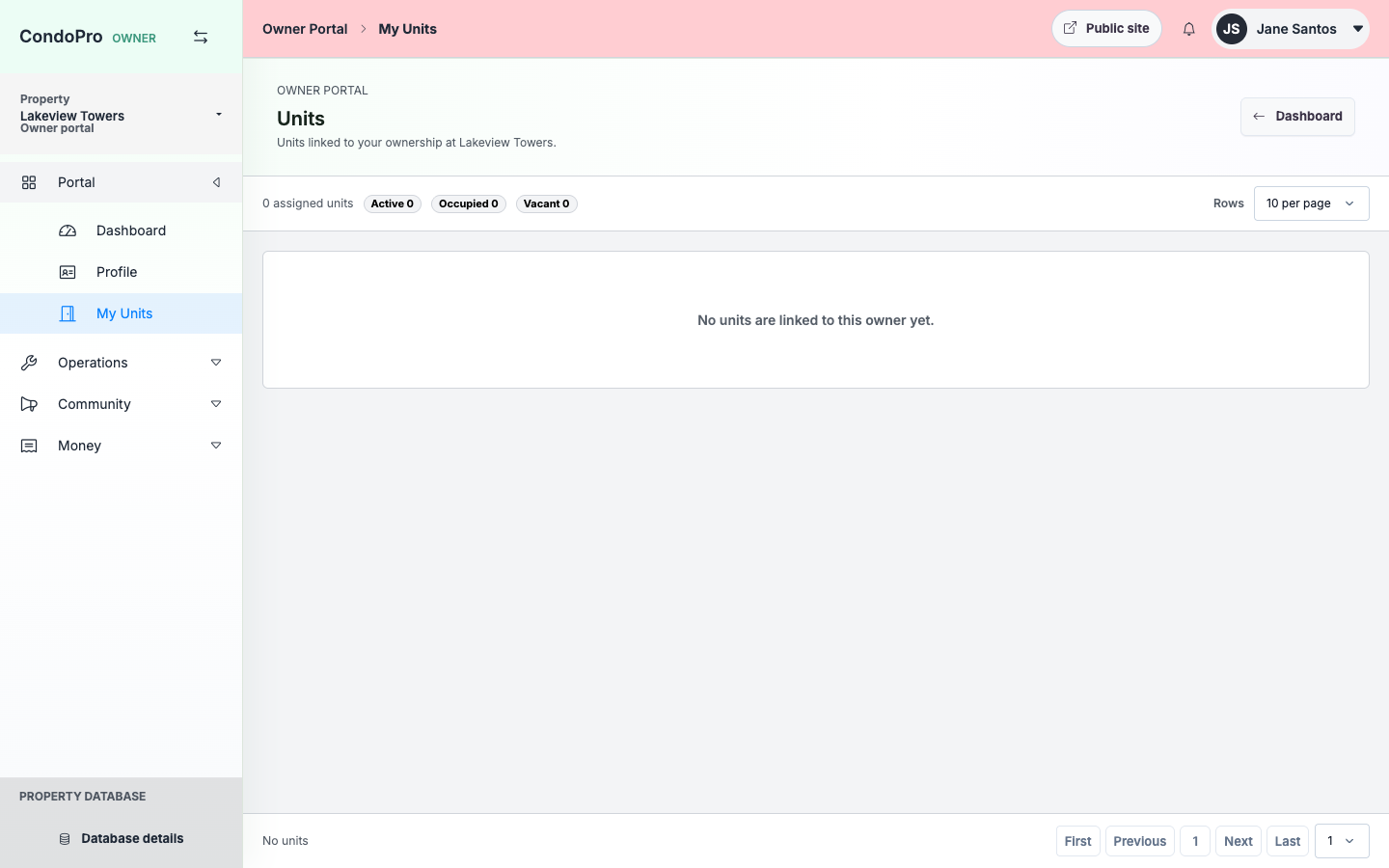
Unit pages
Owners can review unit details, related records, and portal-enabled modules.
Profile pages
Profile, security, preferences, and related pages use dedicated routes and sidebars.
How this module works
- Owner signs in through the property portal slug.
- They review units, announcements, requests, and amenities.
- They submit requests, bookings, surveys, or forum posts.
- Admins review and manage those records from the admin property workspace.
What is included
- Property-specific owner login
- Owner profile and security
- Units and requests
- Amenities and bookings
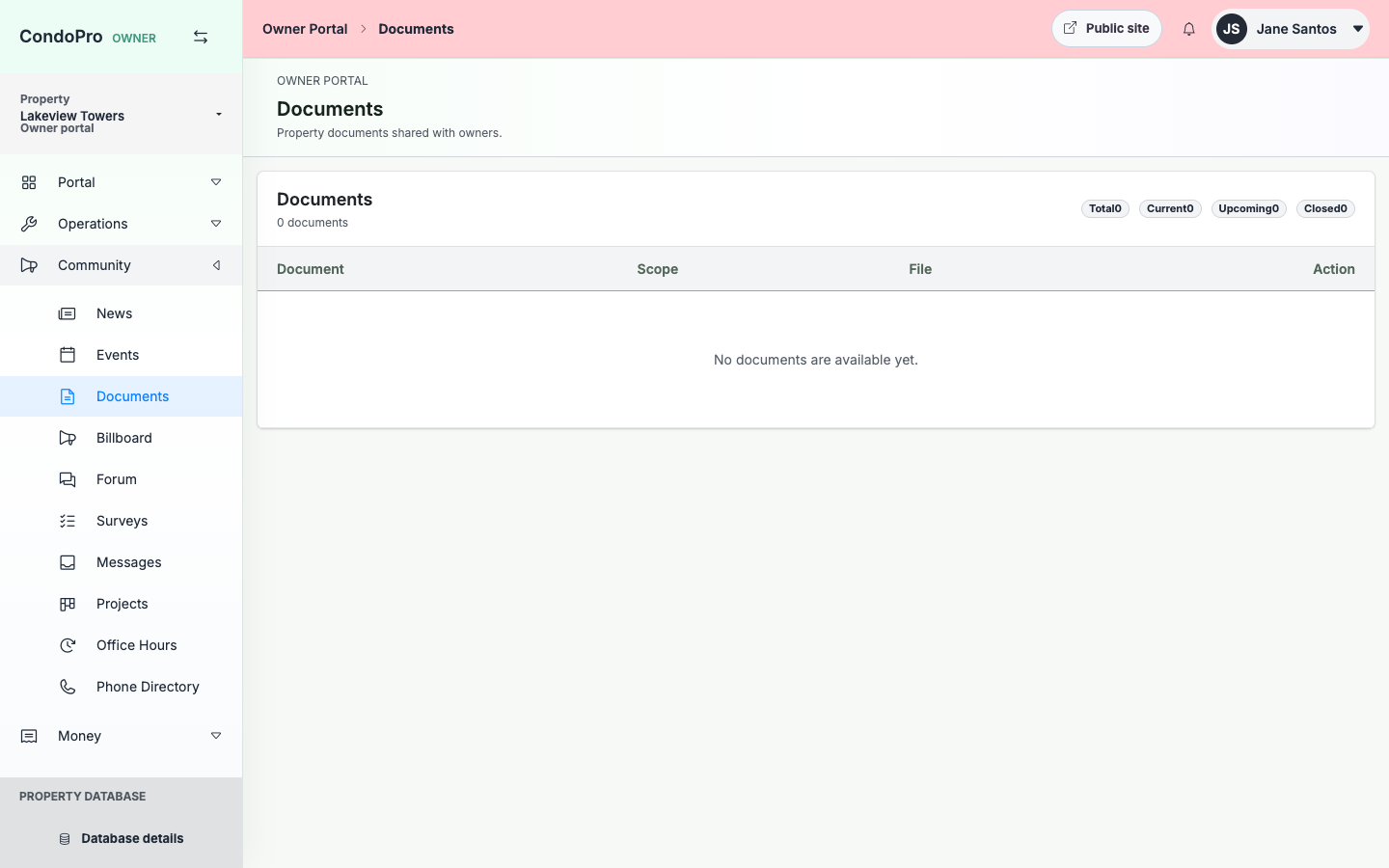
- Announcements, surveys, forum
- Messages and office hours
Manager/admin view
Admins control which modules are enabled and review owner activity from the selected property.
Owner/client view
Owners get dedicated pages rather than anchor-only tabs, with a consistent sidebar and no root/client-only information.
See Owner Portal in a working property.
The product tour shows the real screens for this workflow, with clear explanations for each step.