


Keep documents organized for property staff and owners.
Upload, organize, and expose documents through property-aware file manager and document modules.
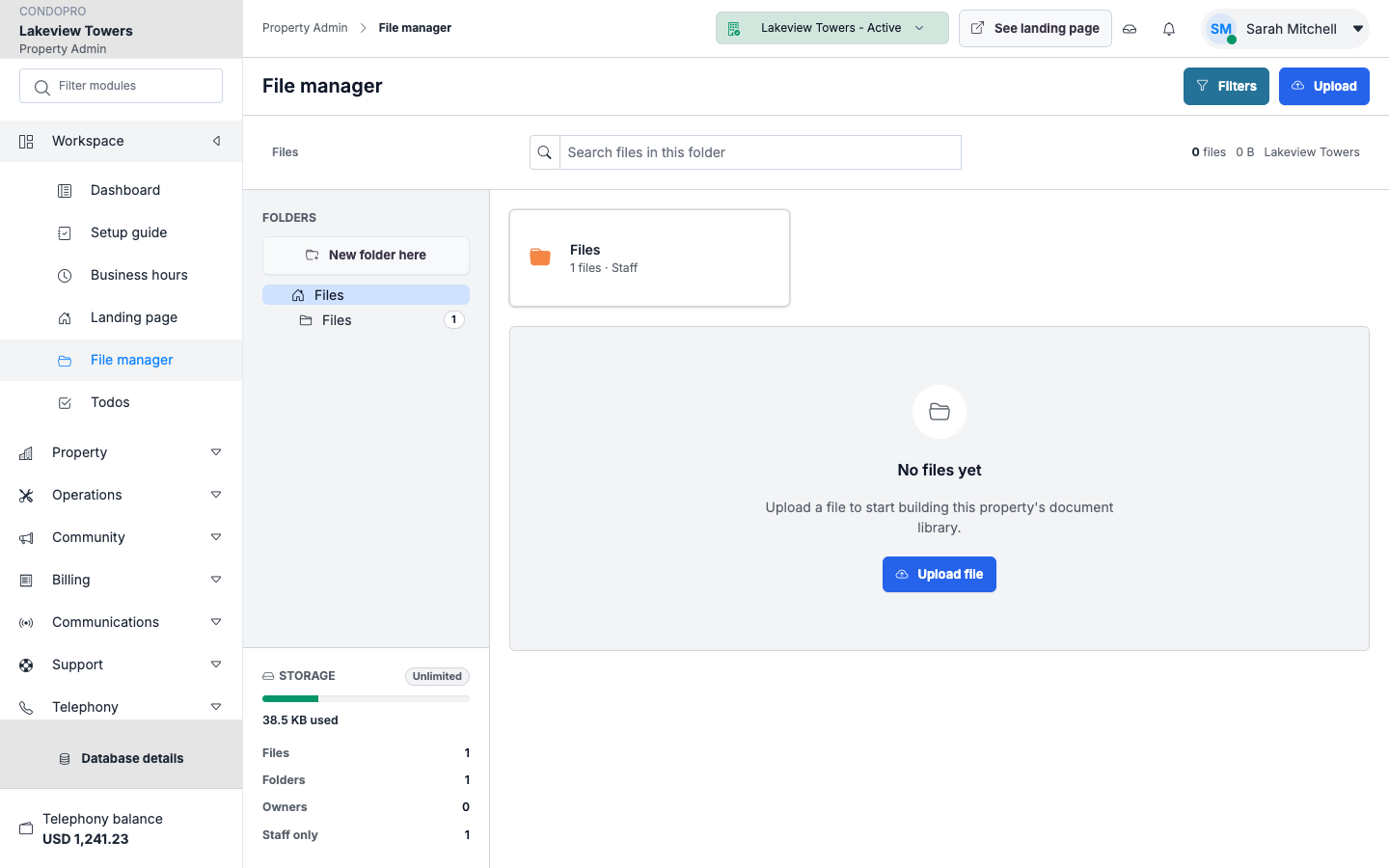
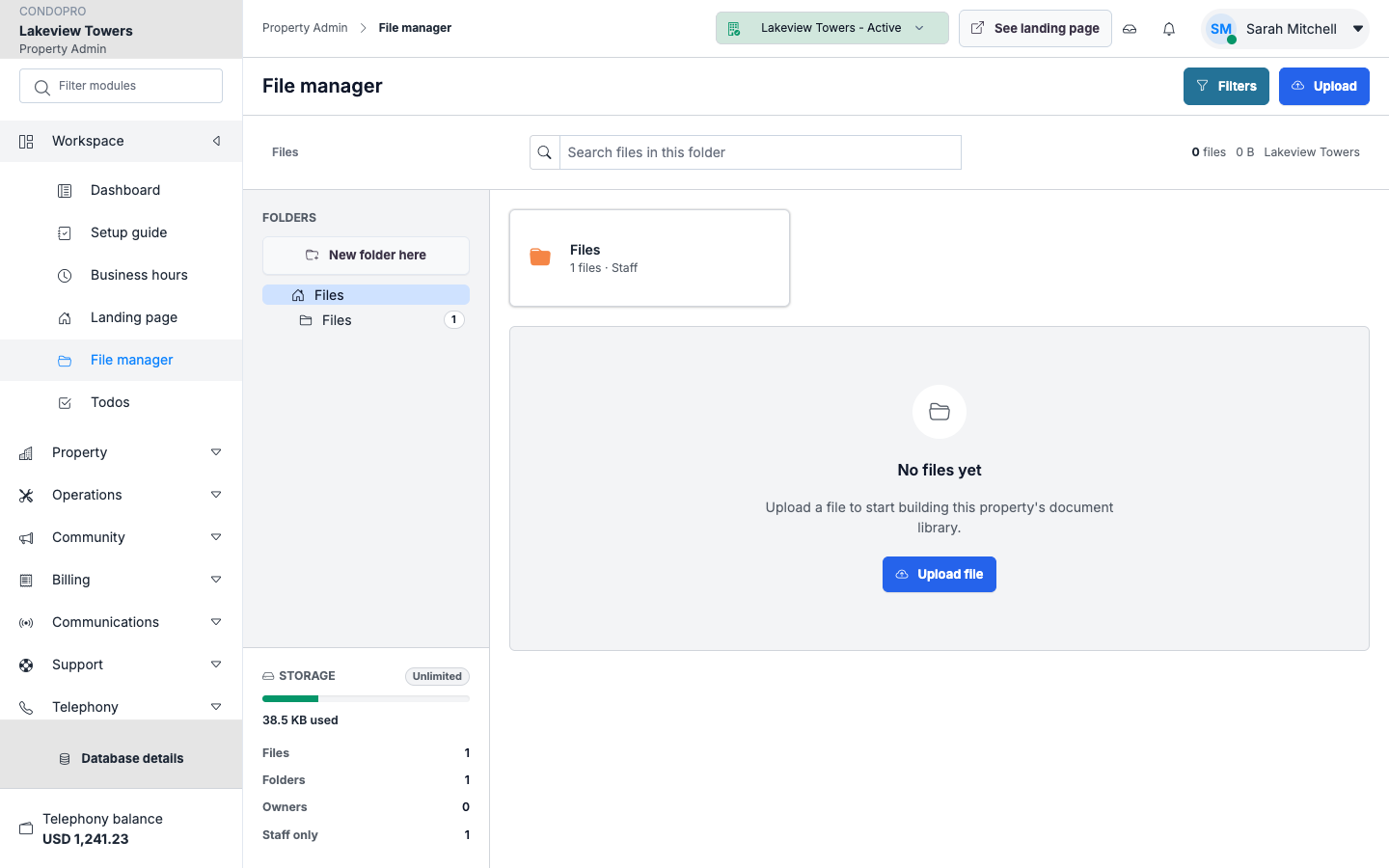
File manager
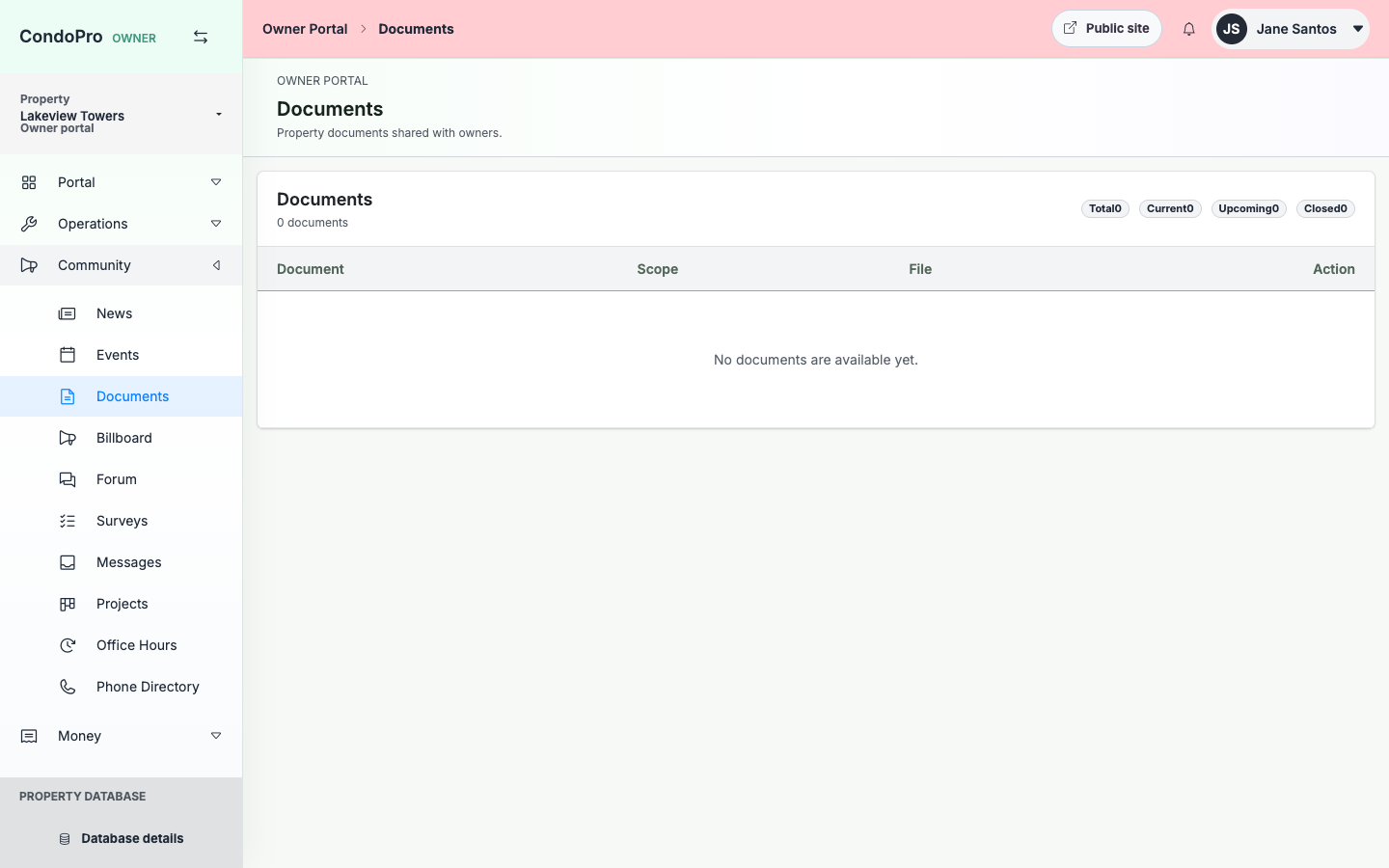
Documents
Owner access
Property files
Organize documents in the selected property context so records stay easy to find.
Owner documents
Expose only the documents owners should be able to access from their portal.
Operational records
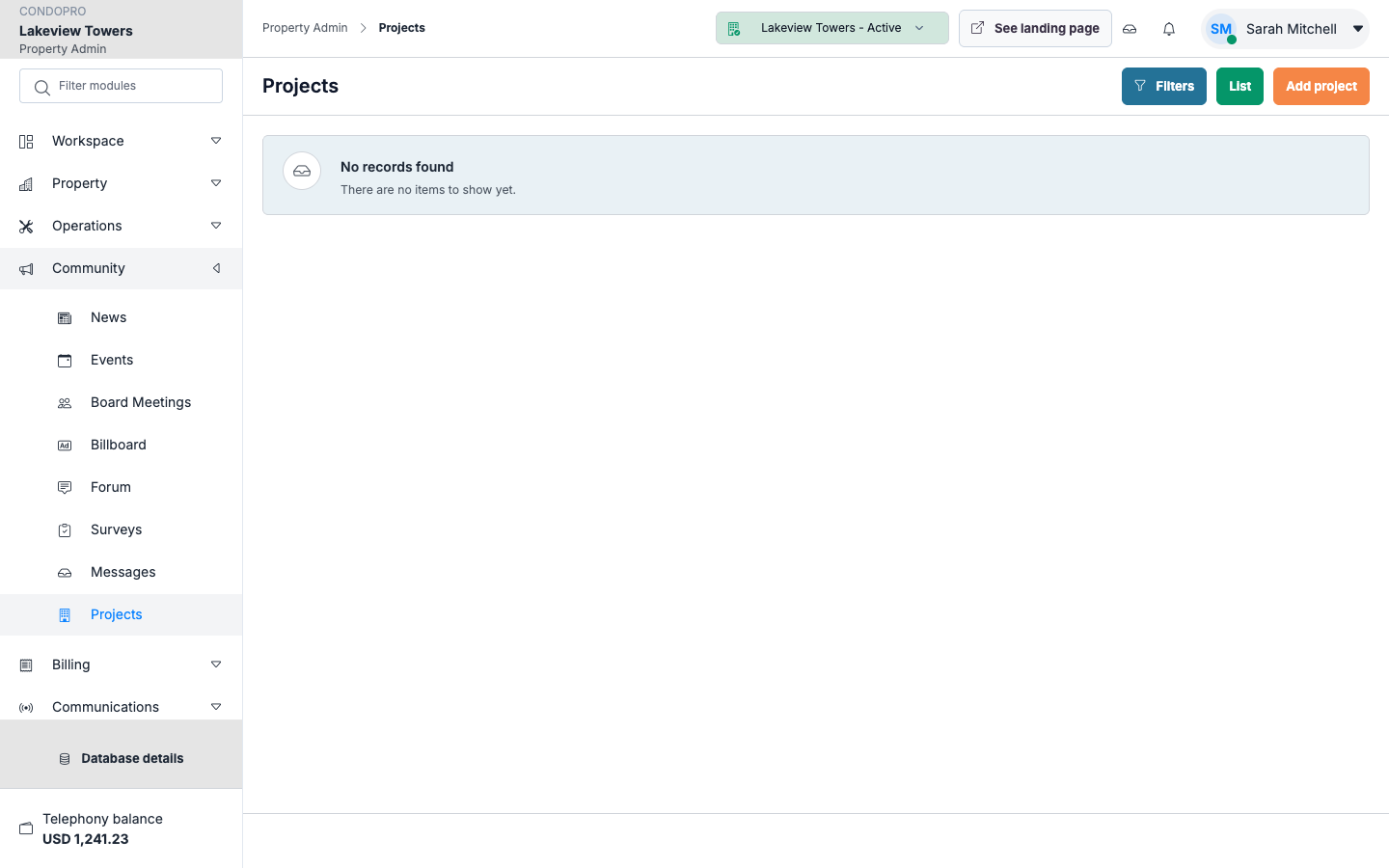
Keep request, project, and property files aligned with the right module.
How this module works
- Upload files through the admin file manager.
- Categorize or attach documents to the relevant module.
- Expose owner-facing documents where appropriate.
- Review or download files from the correct property context.
What is included
- File manager
- Document CRUD
- Property-scoped uploads
- Owner-visible documents
- Project and request attachments
- Download controls
Manager/admin view
Admins use a property-scoped file manager and document screens designed for repeated operational use.
Owner/client view
Owners see only portal-published documents and downloads relevant to their property and permissions.
See Documents & Files in a working property.
The product tour shows the real screens for this workflow, with clear explanations for each step.