


Gardez les documents organisés pour le personnel et les propriétaires.
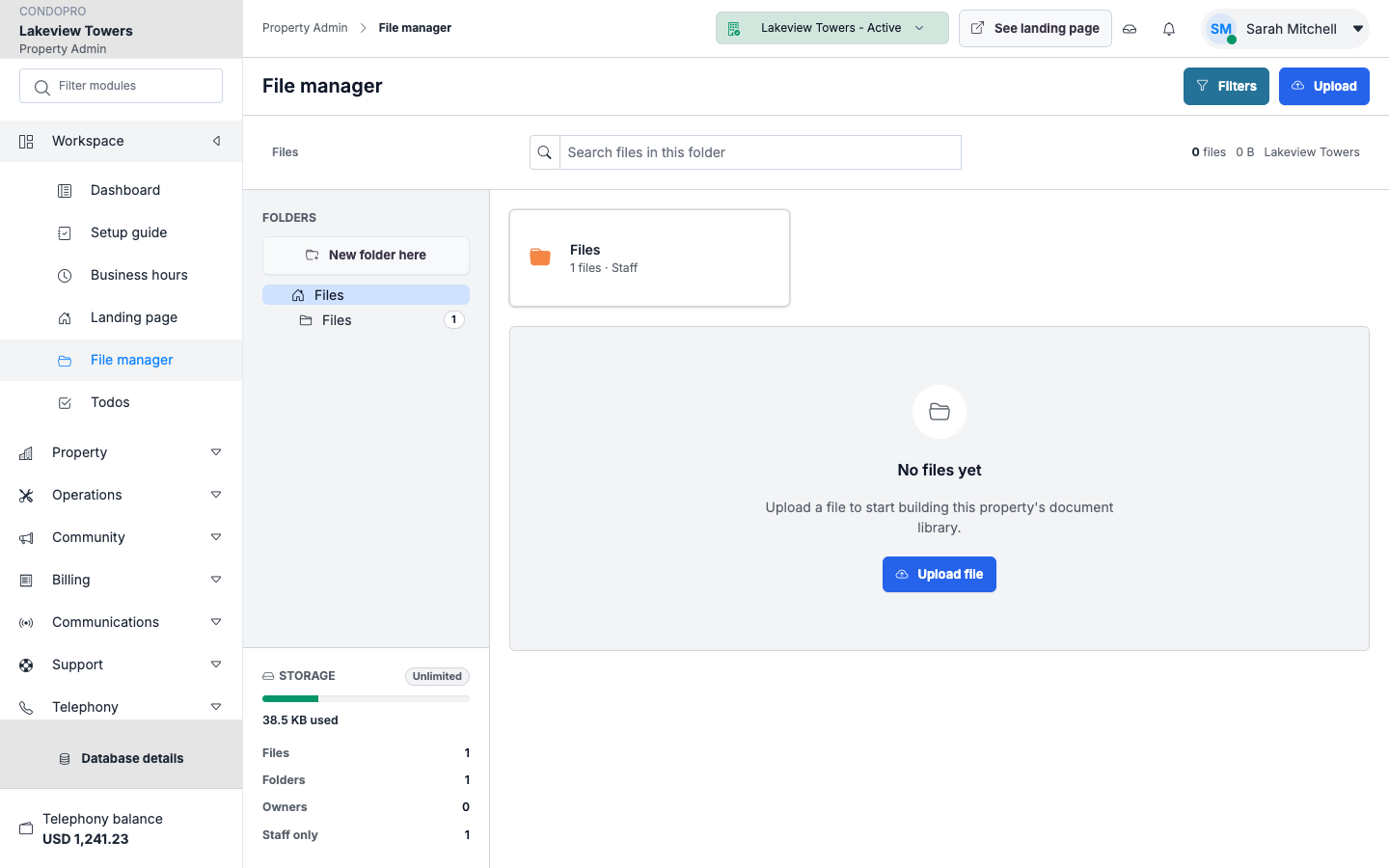
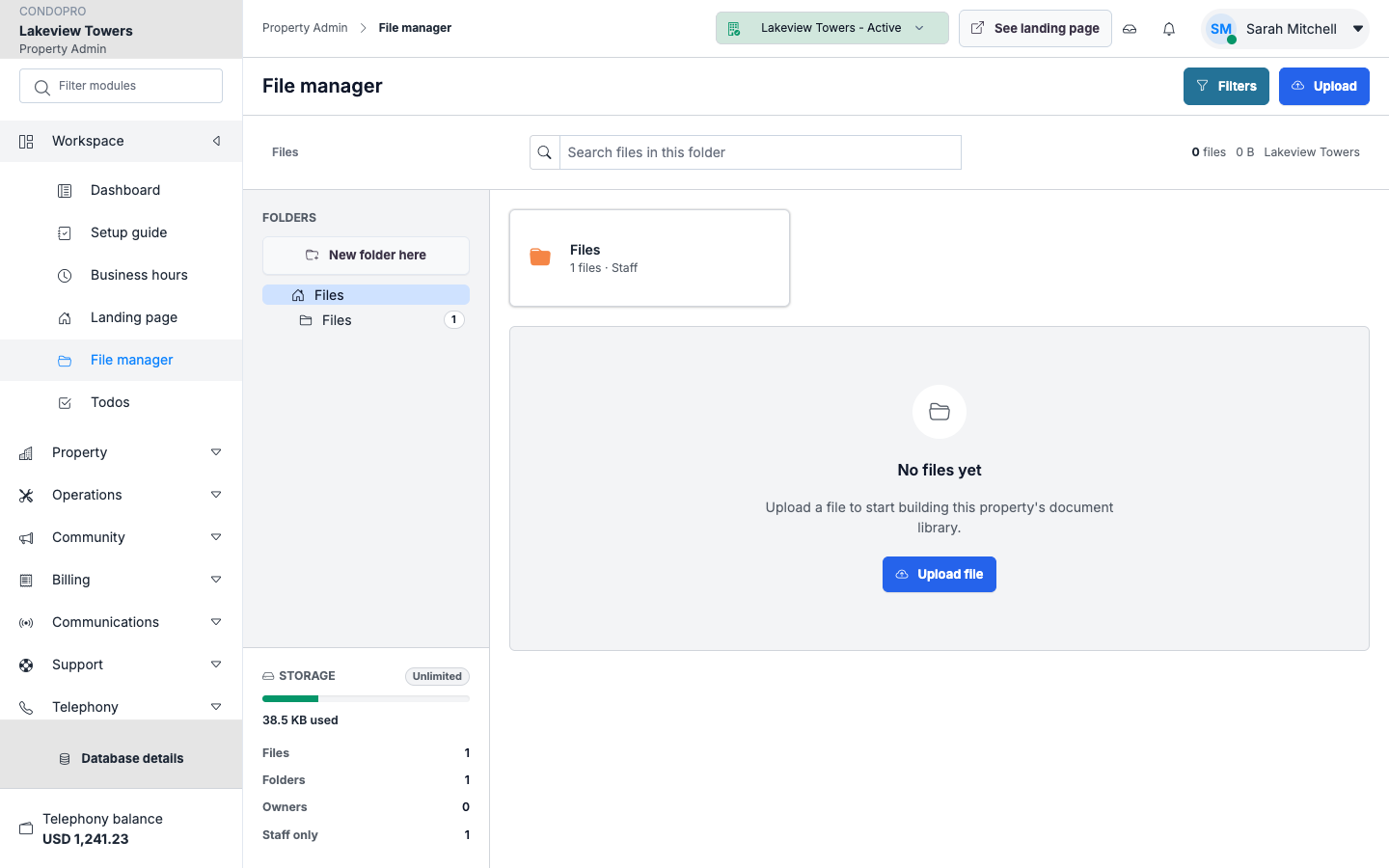
Téléversez, organisez et exposez les documents via le gestionnaire de fichiers et les modules documents liés à la propriété.
Fichiers de propriété
Organisez les documents dans le contexte de la propriété sélectionnée pour les retrouver facilement.
Documents propriétaires
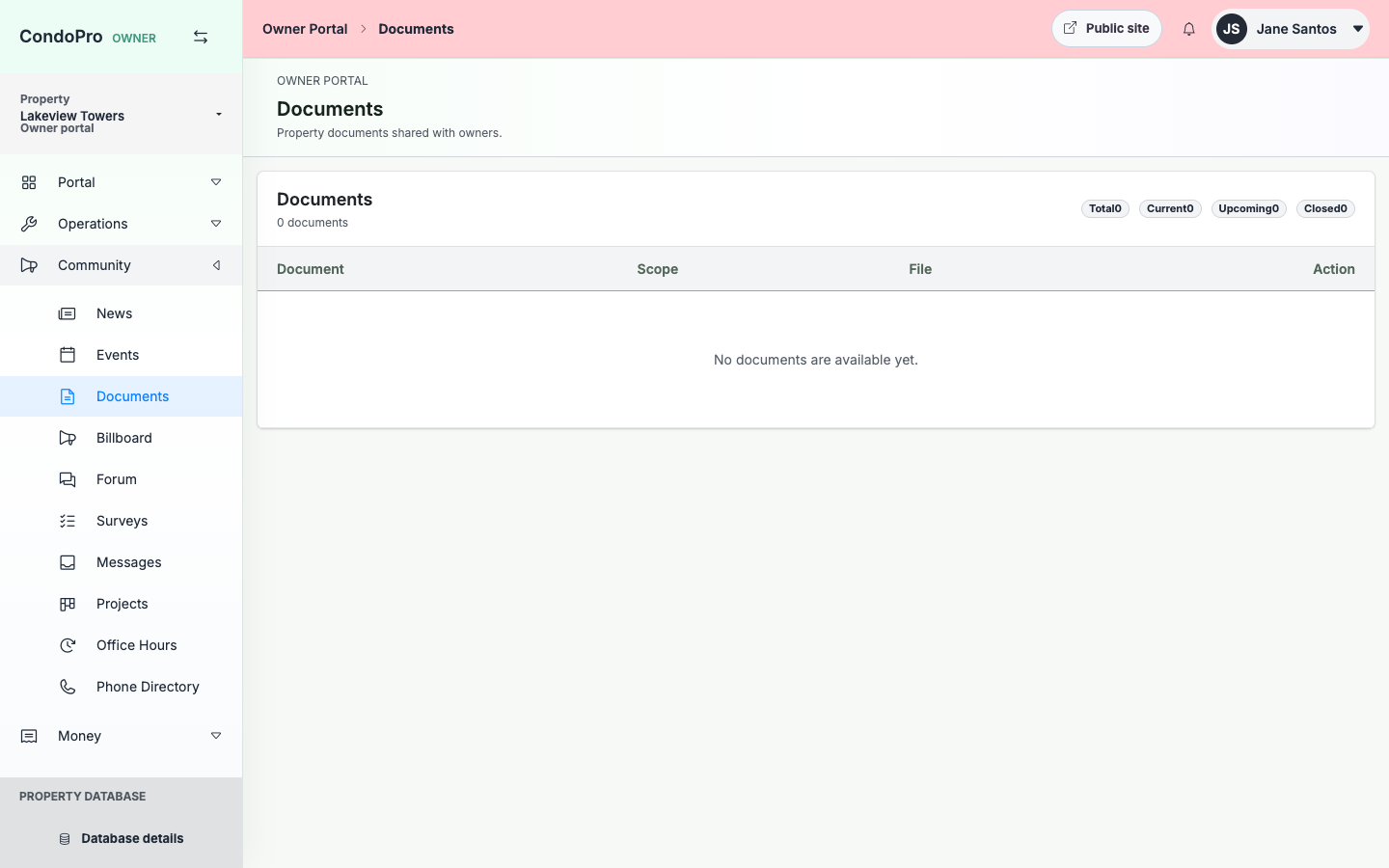
Exposez seulement les documents que les propriétaires doivent pouvoir consulter depuis leur portail.
Dossiers opérationnels
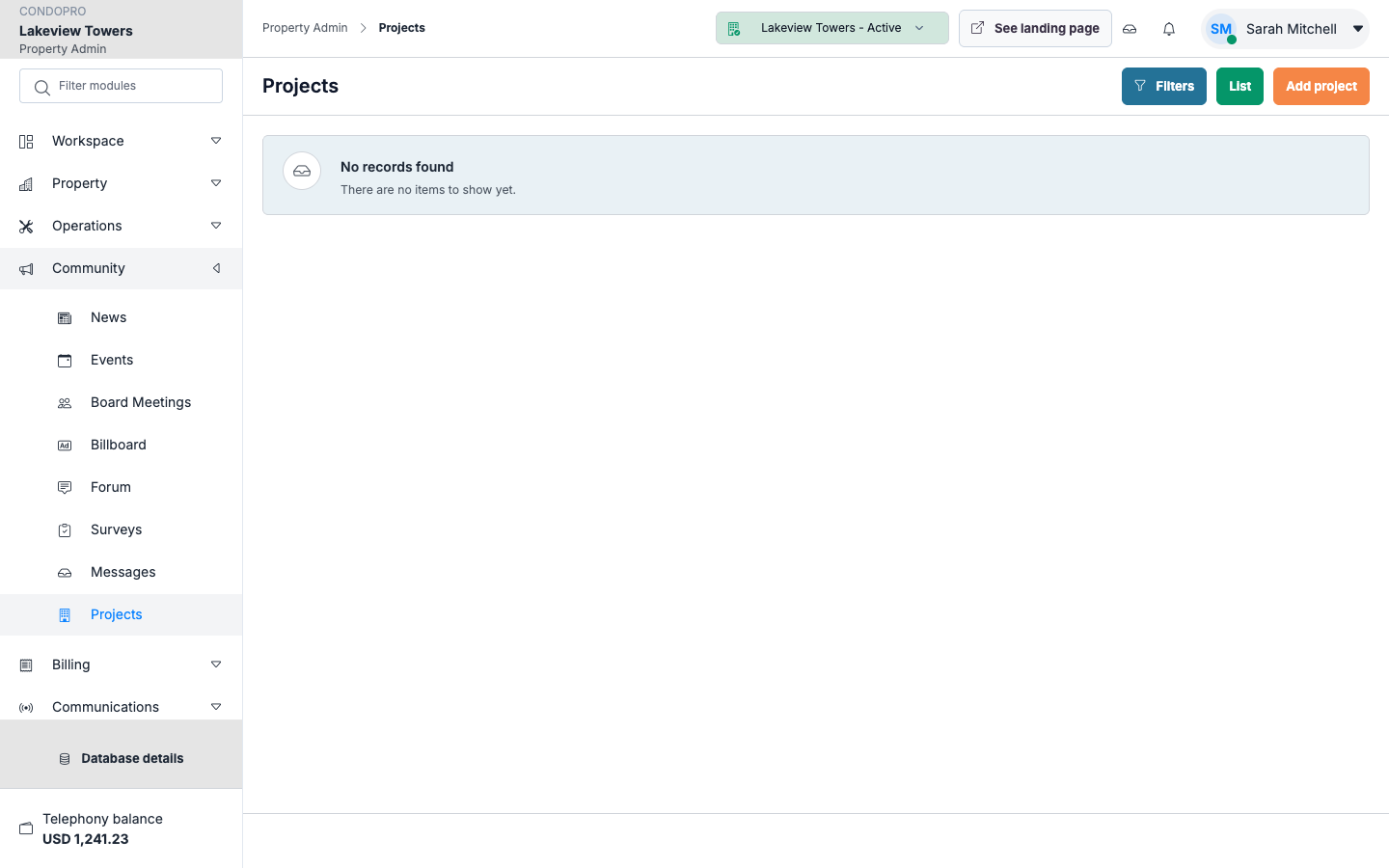
Alignez les fichiers de demandes, projets et propriété avec le bon module.
How this module works
- Téléversez des fichiers via le gestionnaire admin.
- Classez ou rattachez les documents au module pertinent.
- Exposez les documents destinés aux propriétaires lorsque c’est approprié.
- Consultez ou téléchargez depuis le bon contexte de propriété.
What is included
- Gestionnaire de fichiers
- CRUD des documents
- Téléversements liés à la propriété
- Documents visibles aux propriétaires
- Pièces jointes de projets et de demandes
- Contrôles de téléchargement
Manager/admin view
Les admins utilisent un gestionnaire de fichiers et des écrans documents liés à la propriété, conçus pour un usage opérationnel répété.
Owner/client view
Les propriétaires ne voient que les documents publiés et les téléchargements pertinents pour leur propriété et leurs permissions.
See Documents et fichiers in a working property.
The product tour shows the real screens for this workflow, with clear explanations for each step.